Designing an AI-Friendly Expense Tracker with Figma Make
Beginning the Journey
As a product designer exploring how AI and no-code tools are reshaping design, I set myself a different kind of challenge:
“Could I design and ship a meaningful fintech web app without writing a single line of code—while still thinking like an AI-driven designer?”
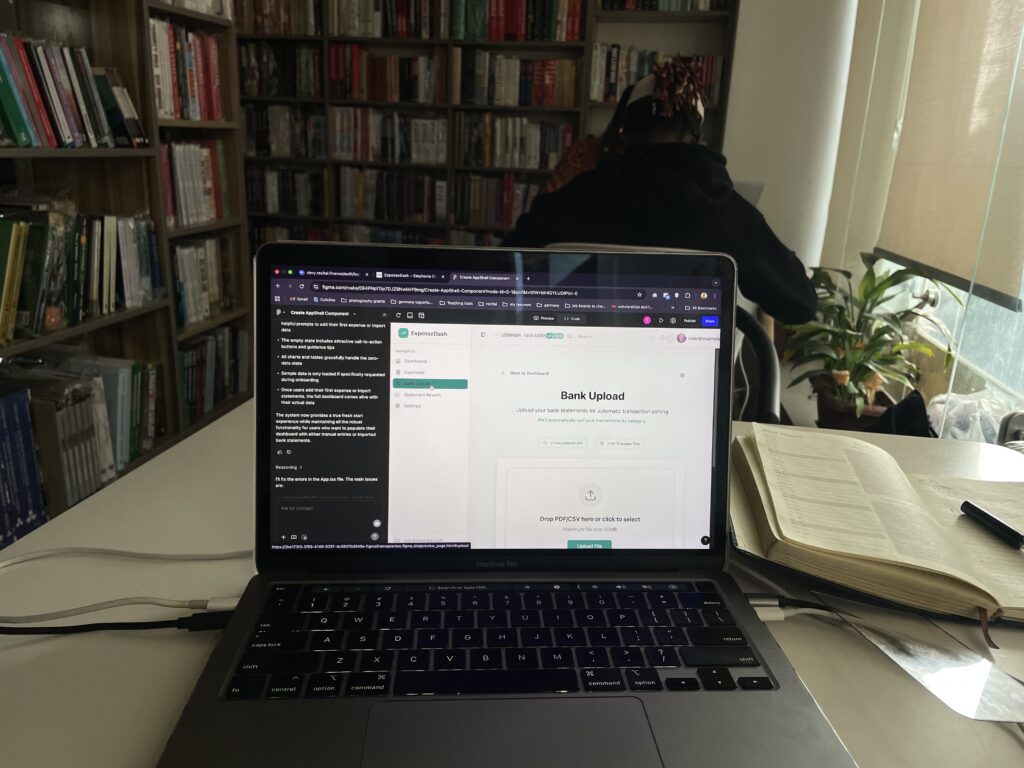
That question led me to Figma Make, an AI-powered builder that turns structured prompts into a working web application. The result is a live, browser-based Expense-Tracking Dashboard anyone can try today.
Why Expense Tracking?
Before touching a canvas, I researched why people track expenses. Three findings shaped the concept:
Clarity Reduces Stress According to a 2024 NerdWallet survey, two-thirds of people who actively track spending report lower financial anxiety than those who don’t.
Behavioural Blind Spots Behavioral economists describe “small-spend amnesia”: we forget frequent micro-purchases. Categorized summaries expose those hidden leaks.
Fraud Detection & Accountability Multiple studies show that regular statement review is one of the fastest ways to spot fraudulent charges or billing errors.
These insights made the product goal simple: remove friction so anyone—student, freelancer, or busy parent—can see where their money goes.
The Product at a Glance
Bank-Statement Upload
Drag-and-drop PDF/CSV; automatic extraction of date, merchant, and amount.
Design Rationale:
Minimizes manual entry and supports quick adoption.
Dashboard & Reports
Clean charts, monthly summaries, and daily spend highlights.
Design Rationale:
Visual data encourages budgeting and habit change.
Automatic Categorization
Smart grouping (Food, Transport, Bills, etc.) with inline editing.
Design Rationale:
Research shows editable automation builds trust: people want AI help but need control.
Dark Mode & Settings Modal
One-click theme toggle and profile management.
Design Rationale:
Improves comfort for evening use and demonstrates thoughtful theming.
Designing with AI + No-Code
Using Figma Make changed my workflow:
Prompt-Driven Screens – Instead of starting from scratch, I described flows (“Create a settings modal with dark-mode toggle”) and let the AI generate starter components.
Rapid Iteration – I could refine microcopy or restructure navigation in minutes and immediately preview a working web app.
AI Collaboration Mindset – The process felt less like using a tool and more like co-designing with an assistant—exactly the future I want to master.
Lessons Learned
Research Anchors Creativity – Even with AI acceleration, qualitative research kept the product aligned to real user needs.
Microcopy = Trust – Phrases like “Drop your PDF here to see where your money went!” turned a sterile upload form into a friendly invitation.
Empty States Are Critical – Designing that first, data-less view was as important as the finished charts.
Reflection
This project marks a personal milestone in my quest to become an AI-friendly designer. It showed me that pairing human-centered research with AI-assisted, no-code building doesn’t just speed up production—it changes the very way we think about product design. The future of design isn’t only about pixels or code; it’s about orchestrating intelligent tools to craft experiences users actually need.